






We use cookies, Read more in our Cookies Policy×
QR Menu & Items Listing

Unlimited Scans.
One QR Code for all your products.


Listing QR Menu is an easy tool that lets you publish every item your business offers in one place. Share it with customers wherever they are and let them order within the app or via WhatsApp.

Header Image Header Image Header Image

Customisable.

Feature

For All Your
Products.

Feature

Who Needs a Menu!

When you can have a modern one. Experience a new era of organisation and accomplishment.

  • Easy to use
  • List any kind of product
  • Get instant orders

Enhance Your Brand with a Custom Digital Menu

Stand out with a fully customisable e-menu that reflects your identity. Add your logo, colours, and product details while ensuring a smooth and engaging customer experience.

Store Details

Personalise your store

Choose a custom store currency, add multiple languages, and more to deliver a convenient customer experience.

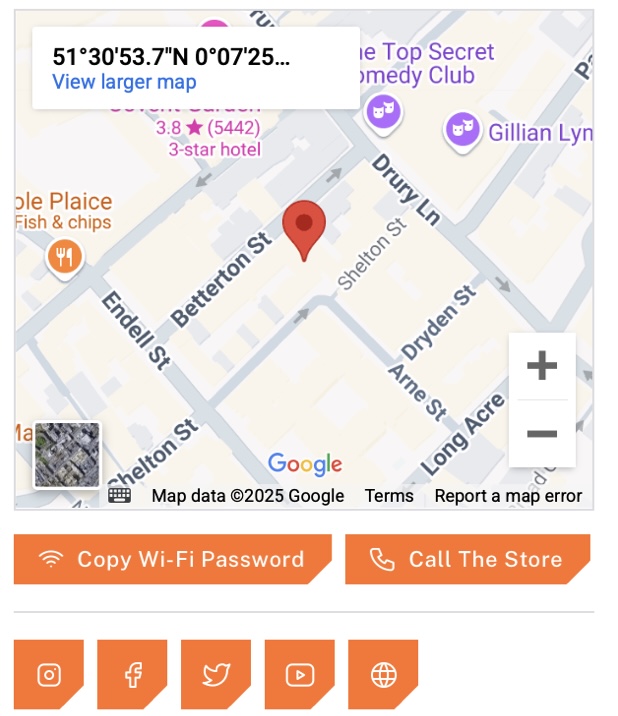
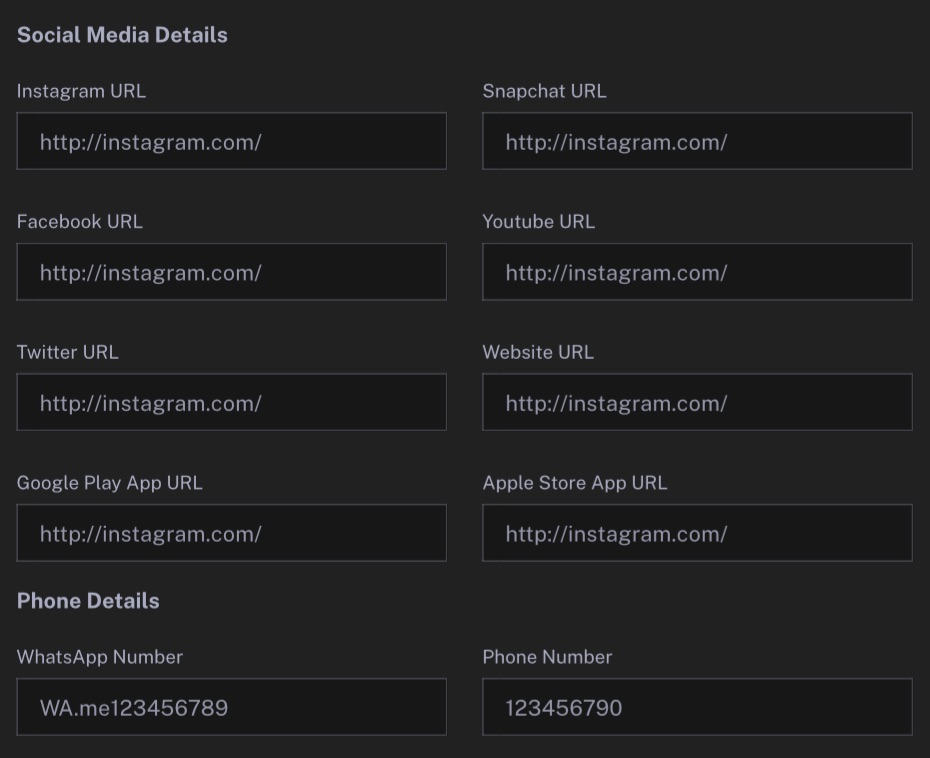
  • Your social media links
  • Store location on map
  • Dark and light themes
  • Preferred theme colour
  • Wi-Fi password copy button
  • Your mobile app links
What is it about?

Your Smart Digital Menu

Say goodbye to outdated paper menus and embrace a comprehensive e-menu
that adapts to your business needs. With real-time updates,
secure transactions, and seamless ordering, your customers can scan,
browse, and place orders effortlessly.


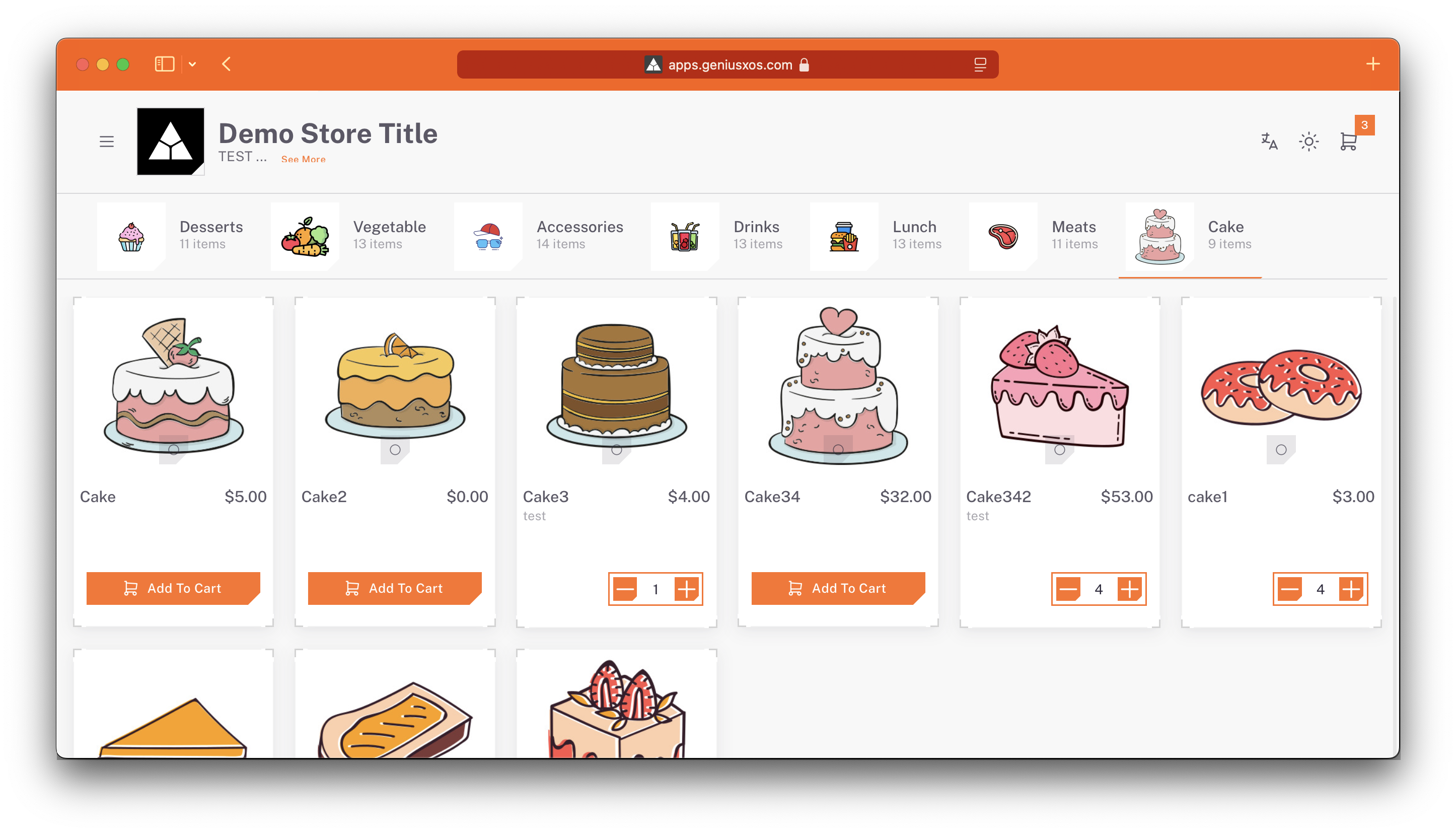
Versatile product listings
List any product type with details, images, pricing, and promote sales via WhatsApp.

Easy QR code access
Facilitate instant access with QR codes on walls or tables to streamline ordering.

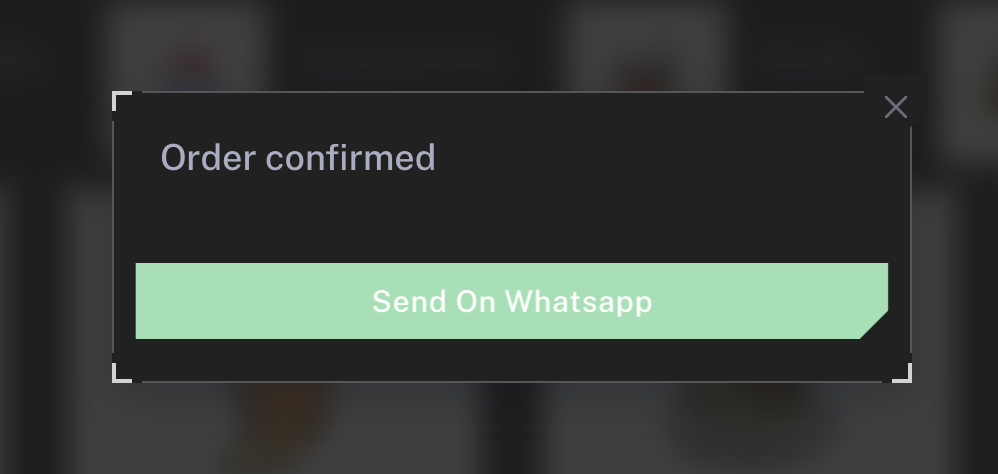
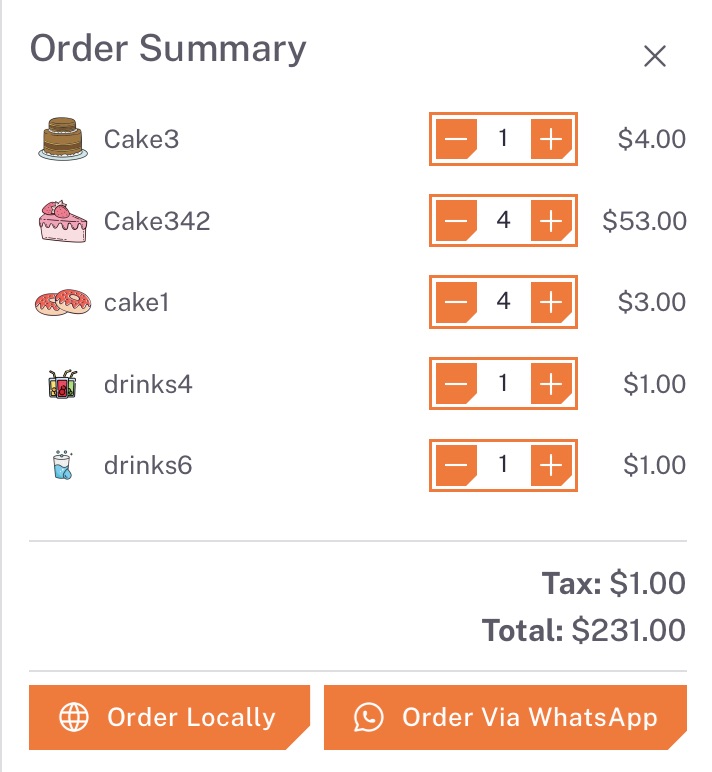
Receive orders on WhatsApp
Add your phone number in store settings so customers can place orders directly via WhatsApp.

Receive orders locally
Allow customers to order in-store and manage everything seamlessly from your dashboard.


Header Image
What it’s about and how to use it

Easy. Useful. Efficient

Replace printed table menus or share your items elegantly. A Listing QR Menu lets customers reach your products remotely and enjoy premium service anywhere.

  • WhatsApp integration
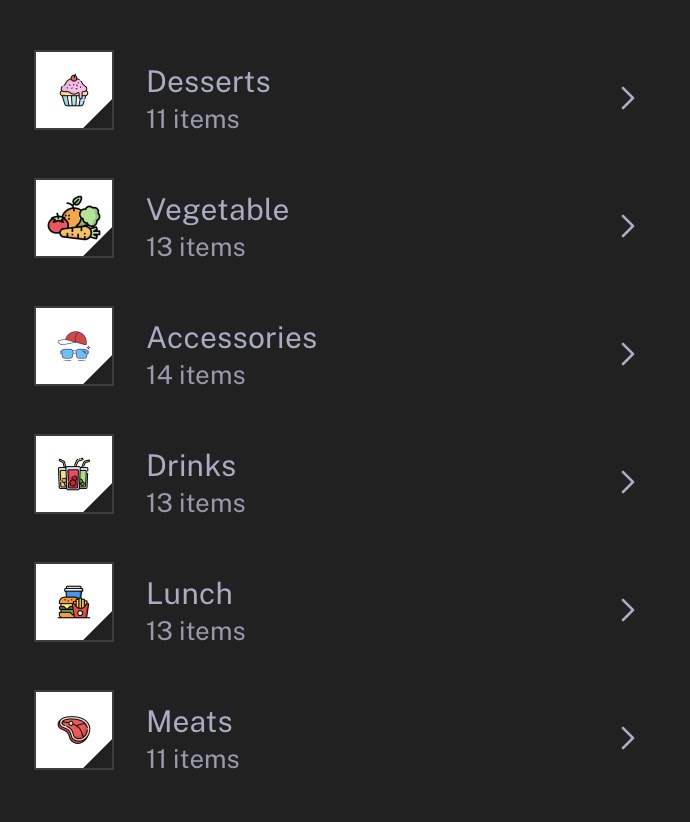
  • Category organisation
  • Immediate response
  • Product visibility control
  • Multi-language support
  • Multiple images and pricing
  • Tax and description management
  • Mobile-friendly pages
Shape 01

Account setup

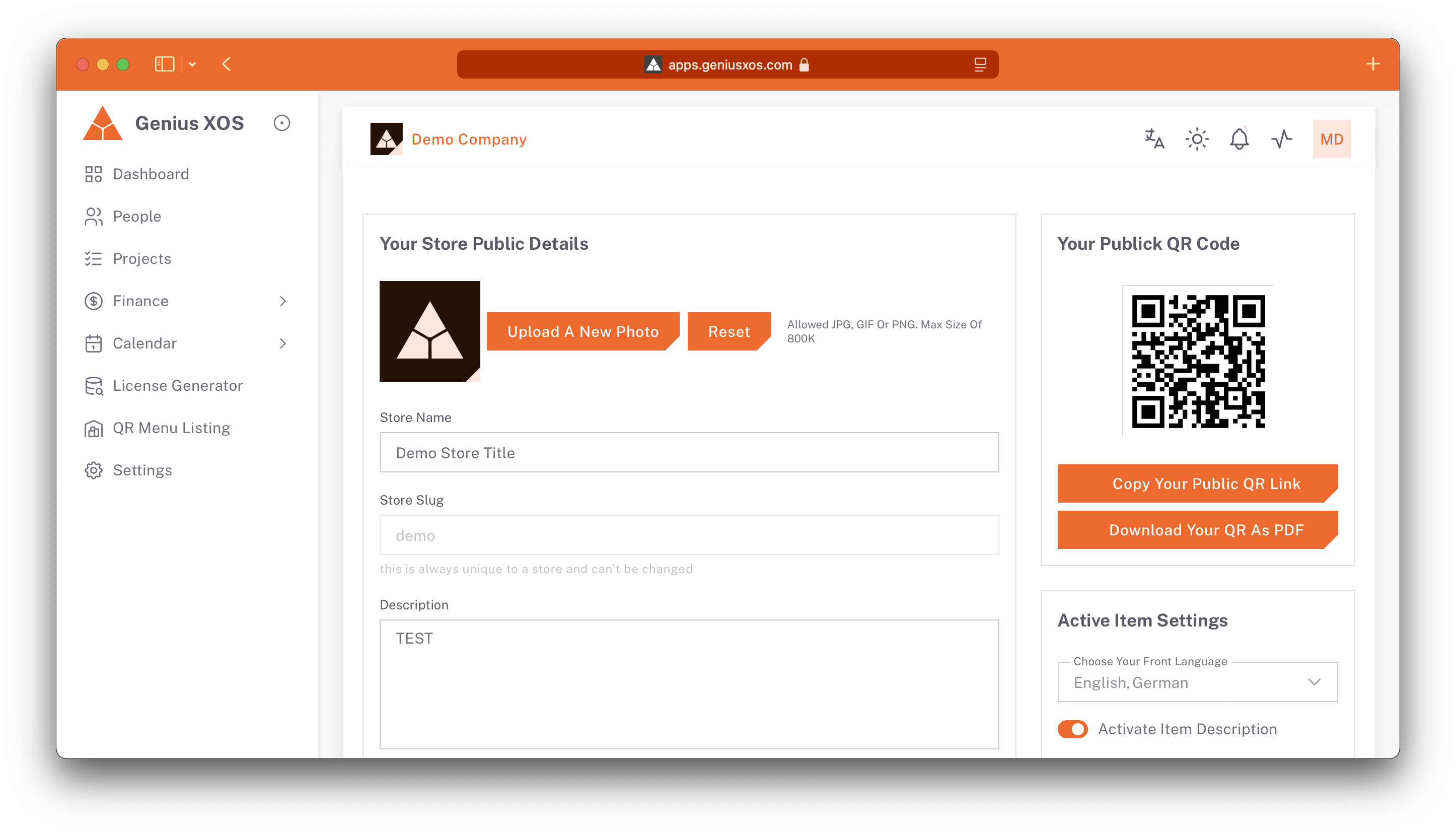
Sign up, add your store details and payment information, and enjoy a 14-day free trial before the subscription begins.

Shape 02

Product listing

Log in and add products with names, categories, prices, and images—everything is customisable and easy to manage via the native mobile app.

Shape 03

QR codes & URL

Generate store QR codes or shareable links inside the app, ready to print and display for customer access.

Shape 04

Customer interaction

Customers scan the QR code or follow the short link to browse products, view images and descriptions, and place orders.

Seamless listing

Create, manage, and list all your products with a single QR code for unlimited scans, offering instant access, real-time updates, and secure transactions.
Place your store QR code or URL anywhere and let customers browse and order effortlessly.


Boost your store for the price of a coffee

Showcase and manage every offering—products, services, or solutions—in one streamlined platform.

Effortless ordering experience

Let customers place orders via WhatsApp or directly within the system, complete with bulk purchasing and store currency options.

Powerful product management

Keep product listings up to date with secure storage, real-time changes, and custom branding for your business.

Seamless QR code integration

Generate unlimited QR codes for instant scanning access and live updates.

QR Menu & Items Listing


  • Order via WhatsApp
  • Order within the system
  • Multi-category listings
  • Complete product management
  • Store currency option
  • Real-time updates
  • Instant scanning access
  • Mobile-friendly experience
  • Custom branding options

Frequently asked questions

  • Replace your ordinary printed Table menu, Or share your store items in an easy and elegant way
    It is very easy to have a Listing QR Menuand experience the quality of the service anywhere and make it easy for your customers to reach you by ordering your products remotely!

  • You can list the product name, category, description, price, and include an image to showcase your product.

  • Customers can access your menu by scanning a QR code printed on a wall, table, or any surface. Alternatively, they can access it via a short link.

  • Yes, the app uses a subscription model that charges $100 per year for access.

  • Yes, there is a one-month free trial period for users to try out the app's features before committing to a subscription.

  • Yes, the app operates online, so you need an internet connection to use its features.

  • Yes, the app is available for both iOS and Android devices, making it convenient for store owners to manage their menus and listings.

  • Yes, as a paid user, you can list any type of product you want to sell through the app, giving you flexibility in what you offer to customers.

  • You can subscribe to the app's paid service by following the in-app subscription process, which will guide you through the payment and activation of your subscription.

  • Yes, the app provides customer support to assist with any questions or issues you may encounter while using it. You can reach out to our support team for assistance.

  • To create a QR code for your menu listings, simply log in to your account, select the product you want to generate a QR code for, and the app will provide you with a unique QR code that you can print or share digitally.

  • Yes, you can customize the appearance of your digital menu by adding your own branding elements, such as logos and colors, to make it unique to your business.

  • If you cancel your subscription after the free trial, you will lose access to the app's premium features. Your menu listings may also be temporarily deactivated, but you can reactivate them by resubscribing.

  • The app offers unlimited product listings for paid subscribers, allowing you to list as many products as you need to.

  • You can easily update the price or description of a product by logging into your account, selecting the product you want to edit, and making the necessary changes.

  • No, there is no limit to the number of short links or QR codes you can create for your products. You can create them for all your listed items.

  • Yes, the app provides analytics and insights into customer interactions with your menu, including views and order history, helping you make informed decisions about your offerings.

  • Yes, customers can access your menu through a web link, so they don't need to have the app installed to view your products and place orders.

  • The app supports various payment methods for subscriptions, including credit cards, debit cards, and digital wallets, depending on your region and device.

  • Yes, the app employs robust security measures to protect your data and payment information. Your information is secure.


Have further questions?

Product Suite

Pick the workspace you need

Launch any module instantly and expand as your teams grow. All GeniusX apps ship with unified permissions, data sync, and onboarding.

Service Icon

Finance & Contract Management

Automate invoicing, contracts, expenses, and multi-entity reporting from a single finance hub.

01 Finance & Contracts
Service Icon

Projects & Tasks Management

Plan, track, and deliver projects with Kanban boards, timelines, and collaborative workflows.

02 Projects & Tasks
Service Icon

Products License Generator

Issue, track, and revoke product licenses with automated email delivery and customer portals.

03 License Management
Service Icon

Events Planning Manager

Schedule launches, webinars, and internal events with RSVP tracking and automated reminders.

04 Events & Scheduling
Service Icon

QR Menu & Items Listing

Publish QR-enabled catalogs to manage inventory, pricing, and product activations anywhere.

05 QR Items Listing
Service Icon

Calendar and Appointments

Coordinate availability, bookings, and follow-ups with shared calendars and time zone support.

06 Calendar & Availability
Service Icon

People Management

Centralise employee and client records, roles, and onboarding journeys across companies.

07 People Directory
Service Icon

Multi Companies Management

Segment subsidiaries and client organisations with dedicated pipelines, billing, and documents.

08 Companies CRM

Start building with the full GeniusX platform for 14 days View pricing.